Master Your Android Box: Comprehensive Guides and Tutorials
Unlock the full potential of your Android Box with our detailed guides and tutorials. Whether you’re setting up for the first time or troubleshooting common issues, our resources are designed to enhance your experience.

Explore Our Latest Android Box Guides and Tutorials
Android box currys. Compare top models and prices.
Choosing the Right Streaming Device for Your TVUnderstanding the Difference Between Android TV and Other Smart TV PlatformsOnce you’ve weighed the merits of a new television, the real question becomes about the brain inside the box. A smart TV’s operating system...
Unlock powerful performance with the android tv box 64 bit os for all your apps.
Understanding 64-Bit Architecture in Modern Media PlayersWhat Does 64-Bit Processing MeanThe modern media player market has crossed a threshold where processing power dictates user experience. A few years ago, most affordable devices shipped with 32-bit chips, but the...
Get android tv box black friday deals before they sell out.
Common Android Box Troubleshooting Questions
Find solutions to the most common issues faced by Android Box users. Our FAQ section provides clear answers to help you resolve problems quickly.
Why is my Android Box not connecting to Wi-Fi?
Ensure your Wi-Fi is active and the password is correct. Restart your router and Android Box, and try reconnecting. If issues persist, check for firmware updates.
How do I update apps on my Android Box?
Navigate to the Google Play Store on your device, go to ‘My Apps & Games,’ and select ‘Update All’ to ensure all apps are up-to-date.
What should I do if my Android Box is running slowly?
Clear cache and unnecessary apps to free up memory. Consider a factory reset if performance issues continue.
How can I improve streaming quality on my Android Box?
Check your internet speed and ensure it’s sufficient for streaming. Use an Ethernet cable for a more stable connection if possible.
Why is my Android Box not displaying on my TV?
Verify that the HDMI cable is securely connected and the TV is set to the correct input source. Try using a different HDMI port or cable if the issue persists.
How do I perform a factory reset on my Android Box?
Go to ‘Settings,’ select ‘Backup & Reset,’ and choose ‘Factory Data Reset.’ This will erase all data and restore the device to its original state.
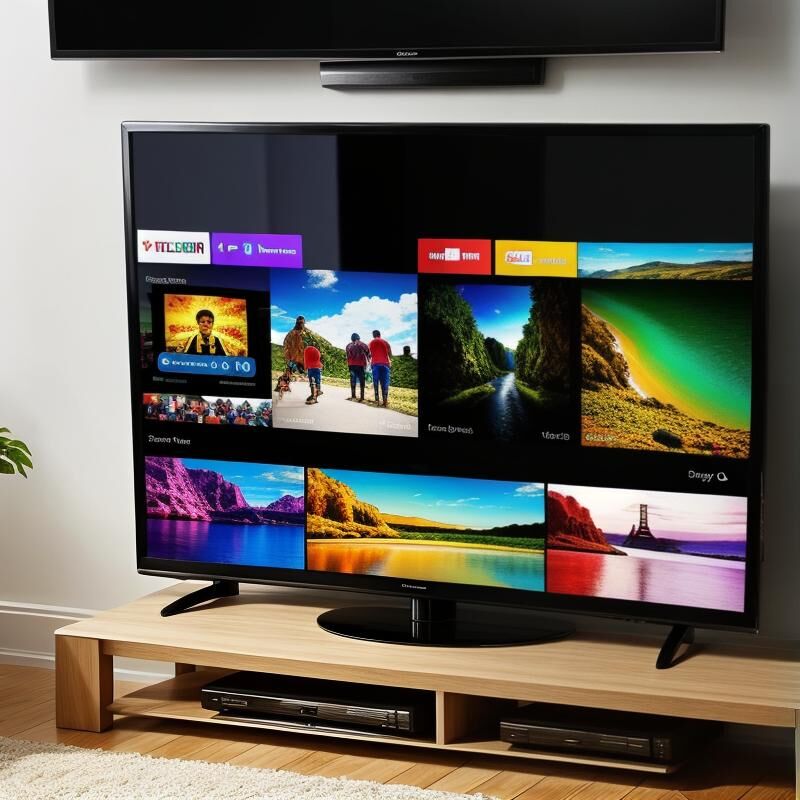
Unlock the Full Potential of Your Android Box
Discover the hidden features of your Android Box that can transform your viewing experience. From customizing your interface to utilizing voice commands, learn how to make the most out of your device. Explore advanced settings to enhance performance and enjoy seamless streaming.
Enhance Your Streaming Experience
Maximize your entertainment options by integrating apps that provide access to a wide range of content. Learn how to optimize your network settings for faster streaming and explore parental controls to ensure a safe viewing environment for your family.
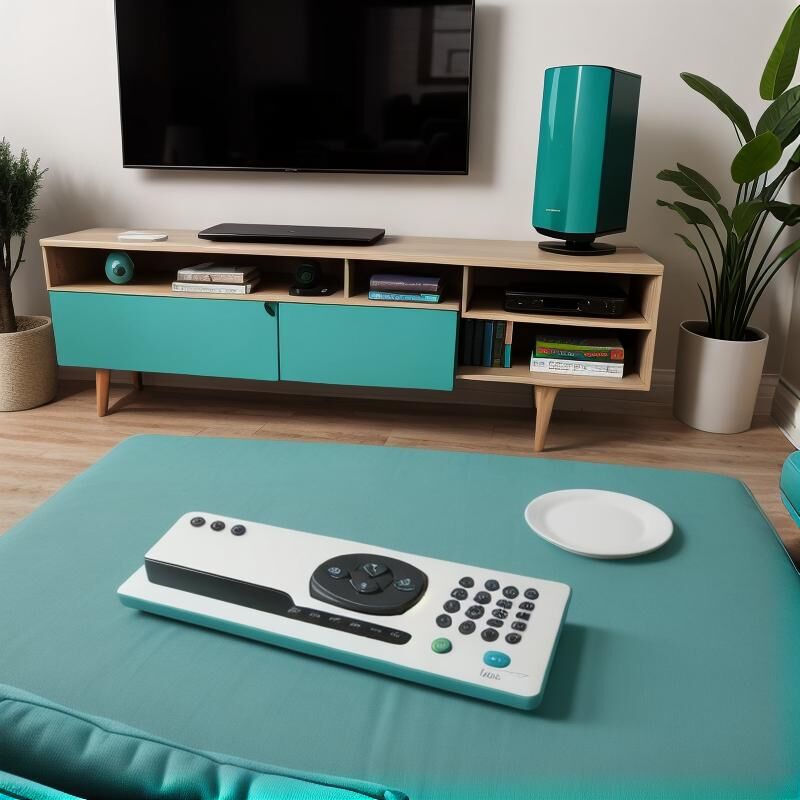
Setting Up Your Android Box: A Step-by-Step Guide
Troubleshooting Common Android Box Issues
Advanced Features of Android Boxes Explained
What Our Users Are Saying
“Setting up my Android Box was a breeze thanks to the comprehensive guides. Now, I enjoy all my favorite shows without any hassle!”

John Doe
Tech Enthusiast
“The tutorials helped me unlock features I never knew existed. My streaming experience has improved significantly!”

Jane Smith
Home Entertainment Expert
Stay Updated with the Latest Android Box Guides
Subscribe now to receive exclusive updates and expert tips on optimizing your Android Box experience. Don’t miss out on the latest tutorials and troubleshooting advice tailored for South African users.